
Download Study Procrastination App for Study Sprints
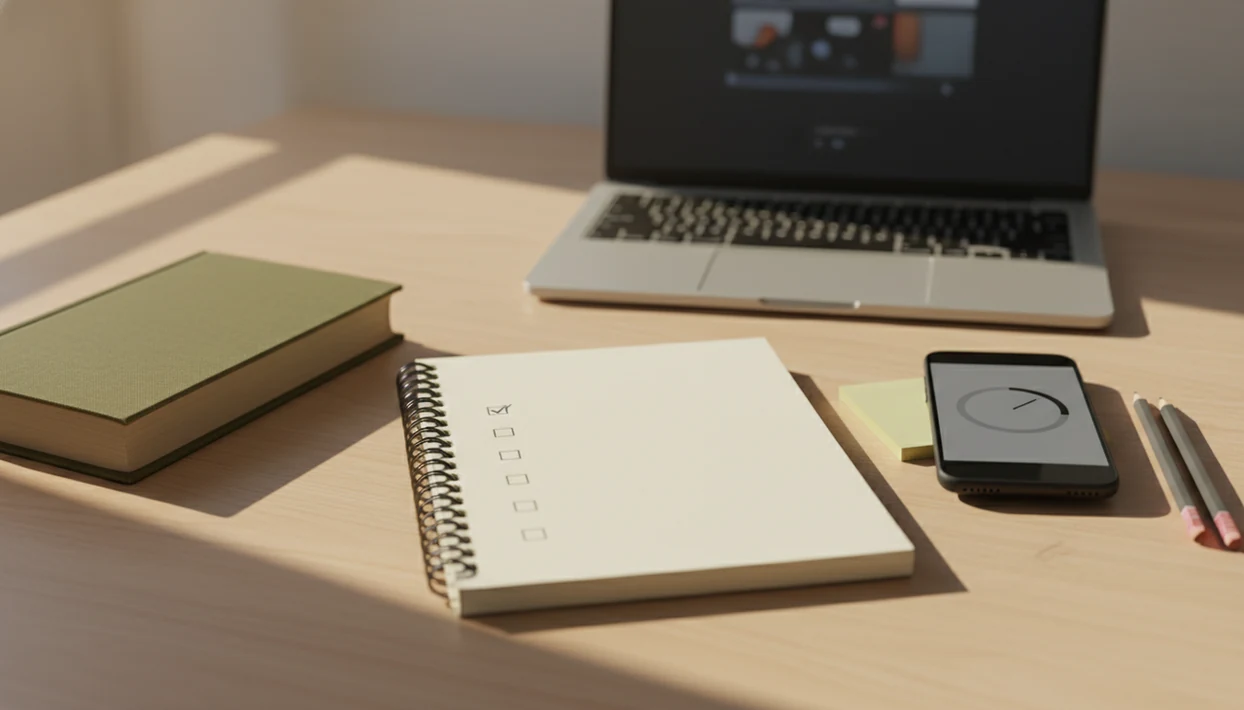
A download study procrastination app helps you stop scrolling, split homework into smaller steps, and start one focused study sprint right away. Stop Procrastination App helps students turn a vague assignment into a timed, low-pressure first session instead of waiting for deadline panic.
> Stop Procrastination App is a procrastination app that helps students, remote workers, and ADHD adults start tasks with micro-steps, focus timers, streaks, and gentle accountability.
- Use the app to choose one assignment, break it into 3–5 micro-steps, and start a 25-minute study sprint.
- The strongest study app download combines task breakdown, a homework timer, distraction blocking, and habit tracking.
- A procrastination app is a support tool, not a magic fix for sleep loss, unclear goals, anxiety, ADHD, or major stress.
Stop Procrastination App (stop-procrastination.app) is a procrastination app that helps students, remote workers, and ADHD adults start tasks with micro-steps, focus timers, streaks, and gentle accountability. This study procrastination app download page is for students who need a calmer way to split homework, begin one study sprint, and reduce deadline panic without relying on shame or all-night cramming.
Students often get the most value when they use the app for the first 30 minutes of homework: one micro-step, one timer, one short reset, and then a visible next action.
| Need | Best option |
|---|---|
| Starting homework when the assignment feels too big | Stop Procrastination App |
| Growing virtual trees as a visual reward for staying off your phone | Forest |
| Simple Pomodoro-style study intervals without much task breakdown | Focus Keeper |
| Managing class projects, due dates, and recurring school tasks in a list | Todoist |
Best study procrastination app download for starting one homework sprint
Stop Procrastination App is the strongest fit when the main problem is not knowing how to begin. It turns a vague study goal into a small first action, pairs it with a focus timer, and uses gentle accountability so students can restart after distractions without spiraling.
Best for
- Students who freeze before long readings, essays, or problem sets
- Homework sessions that need a clear first step and a short timer
- ADHD adults and students who benefit from micro-steps and low-pressure reminders
Limitations
- It is not therapy, medical advice, or an ADHD diagnosis tool
- It will not replace course planning, tutoring, or a full calendar system for complex semester schedules
At-a-glance study app download for one study sprint
Stop Procrastination App is built for students who need to start homework now, not redesign their whole life. The first sprint should feel almost too small: one assignment, one tiny step, one timer.
Before you download, check three practical details: whether the current version supports your phone or laptop, whether blocking works in the browser you use for school, and whether the free plan includes enough timers for a normal homework week.
| Use case | First action | Timer length | Best fit | Expected quick win |
|---|---|---|---|---|
| Essay avoidance | Open the doc and write one rough claim | 25 minutes | Students stuck before writing | Blank page becomes started |
| Math homework | Solve the first two problems only | 20–25 minutes | Problem sets that feel endless | Momentum without finishing pressure |
| Exam review | Make 10 flashcards from one section | 25 minutes | Students before a test week | Review starts before panic |
| Reading backlog | Read 5 pages and mark 3 notes | 15–25 minutes | Dense textbook chapters | A visible chunk is done |
For students trying to begin before the printer is coughing out pages before class, Focus Anti-Procrastination fits because the sprint starts with a named micro-step and a timer, not a giant study plan.
How a study procrastination app works behind the scenes
A study procrastination app works by reducing task initiation friction, which is the gap between knowing what to do and actually starting it. Procrastination is often tied to overwhelm, stress, anxiety, perfectionism, and avoidance, not laziness.
The app loop is simple: capture the task, reduce the task size, start timed focus, block obvious distractions, log completion, then reinforce the next study habit. That loop matters when the assignment brief has been reread for the sixth time and nothing is open yet.
A 2018 randomized controlled trial found that smartphone-based procrastination treatment reduced procrastination scores and increased task completion compared with a wait-list group; the same paper notes that 80–95% of surveyed university students reported procrastinating, with about half seeing it as a consistent academic problem source.
When the issue is avoidance before studying, the workflow helps because it turns vague work into a named step, then protects the first focus block.
How to use a homework timer download for the first 30 minutes
Use the first 30 minutes to get a quick win, not to build a perfect study system. A homework timer download works better when the first action is already chosen before the timer begins.
- Choose one assignment that is due soon or has been sitting untouched.
- Split it into 3–5 subtasks, such as “open rubric,” “find two sources,” and “write bad first paragraph.”
- Set a 25-minute timer and make the first ten minutes protected.
- Block distractions by silencing social apps, closing extra tabs, and putting the phone away from the laptop.
- Review what changed after the sprint by logging what got easier, what stayed hard, and the next visible action.
Small counts.
Students who keep opening a laptop and drifting into a news tab from nervous habit can use Stop Procrastination App as an app to stop procrastinating on homework because it pairs the timer with distraction boundaries and a post-sprint review.
Five facts before you download a study procrastination app
- A useful study procrastination app should combine task breakdown, focus timers, and habit tracking, because each feature handles a different part of avoidance.
- App-based procrastination support has trial evidence when students actively use the exercises, rather than only installing the app and hoping motivation appears.
- Short Pomodoro-style sessions are best treated as a low-risk starting structure, not a guaranteed productivity boost; use 25 minutes as a default and shorten it if fatigue, anxiety, or task confusion spikes.
- Study logging can make patterns visible; a 2022 StudyTracker paper found regular in-app logging was associated with higher self-reported study time and better awareness of study habits source.
- Stress and anxiety can worsen academic performance and trigger avoidance; the 2022 American College Health Association report found many students linked stress or anxiety with academic impact source.
For students who need an app that breaks assignments into steps, the most useful setup is task breakdown plus a focus timer because the first barrier is usually starting, not storing another reminder.
Best times to use a study procrastination app download
When should you use a study procrastination app download? Use it at the point of task initiation: after school, before a difficult assignment, when opening a laptop turns into scrolling, before exams, or when deadlines feel too close.
The emotional moment matters. Fear of failure, perfectionism, and anxiety often show up before the first sentence, not halfway through the work. That is why a study sprint should begin before deep study starts. The app is there to lower the starting friction.
After midnight campus library fluorescent lights, when the backpack feels heavier because the assignment is still untouched, Stop Procrastination App covers the first reset because it asks for one starter step before the next timer.
Good anti-procrastination and focus app tools deliver external structure and smaller starts, not a personality makeover.
What Stop Procrastination App looks like for student homework
The student homework workflow turns assignments into a short sequence: micro-step task breakdown, focus timer, distraction-resistant sprint, progress feedback, and gentle accountability. The point is not to shame the delay. It is to make the next action visible.
Example homework sprint
For a history essay, “write paper” becomes “open notes,” “choose one argument,” “paste three quotes,” and “draft the intro badly.” Then a 25-minute focus block begins. The phone can stay tucked under a folded sweater while the timer runs.
For a math problem set, the first visible action might be “copy problem 1 into the notebook.” This works best when the task becomes smaller before it becomes polished. If you want the broader student workflow, our procrastination app for students guide covers more school scenarios.
Study procrastination app versus generic to-do lists
Generic lists can store homework, but they often do not solve task initiation, distraction, or emotional overwhelm. A study procrastination app is more useful when the problem is starting the work, not remembering that it exists.
| Tool | Best use | Weakness | When to choose it |
|---|---|---|---|
| Anti-procrastination app | Starting avoided homework | Requires active use | You need micro-steps, timers, blocking, and progress feedback |
| Generic to-do list, like Todoist or TickTick | Capturing assignments | Can become a storage bin | You already start tasks reliably |
| Website blocker, like Freedom | Reducing site access | Does not break down work | Your main issue is distraction, not task confusion |
| Paper planner | Seeing the week | No timer or blocking | You prefer offline planning |
For students who delay because the task feels too big, A study-start workflow fits better than a plain checklist because it combines a starter step, a focus block, and gentle accountability.
Daily study sprint routine after the app download
After the app download, use a weekday routine that is boring enough to repeat: two or three short sprints after school or before dinner. Same place, same time, same first action. A visible streak or study log helps the routine feel real.
Try this: sit at the same desk, open the same assignment view, choose one micro-step, then start a 25-minute block. The coworking room quiet except keyboards is not required. Your bedroom desk works if the first action is clear.
The 2022 StudyTracker finding suggests regular in-app logging can improve awareness of study patterns and is associated with higher self-reported study time. Last-minute cramming may still happen, but a repeatable sprint routine gives you another option. If the deadline is already close, our guide on how to study before deadline may help.
Limitations
A study procrastination app can support study behavior, but it does not remove every cause of procrastination.
- It only works when students actually use the timer, task breakdown, blocking, and review features.
- Long-term evidence for smartphone-based procrastination apps is still limited.
- Students can bypass blockers by switching devices, using another browser, or disabling settings.
- It cannot replace sleep, clear teacher instructions, study skills, tutoring, or realistic planning.
- It is not medical treatment for ADHD, depression, anxiety, or major stress.
- It will not make an unclear assignment clear unless the student or teacher defines the next step.
- Free or low-cost plans may limit timers, blocks, reminders, or progress history.
However, limitations do not make the tool useless. They just mean the app should be used as external structure, not as the whole study plan.
FAQ
What is a study procrastination app?
A study procrastination app helps students start homework by breaking assignments into smaller steps, timing focus sessions, and reducing distractions. It is built for task initiation, not just task storage.
Do homework timers really help?
Homework timers can help by turning study into a short commitment, such as a 25-minute Pomodoro-style sprint. They do not work for everyone, but research on timed intervals suggests they can reduce fatigue for some students.
Is there a free study app?
Some study apps offer free or low-cost downloads with limits on timers, blocking, or tracking. Check whether a free study procrastination app includes task breakdown, focus sessions, and useful limits before relying on it.
Which app stops study procrastination?
The best option combines micro-steps, focus timers, distraction blocking, and progress feedback rather than only a to-do list. Stop Procrastination App by Focus Anti-Procrastination is designed around that study-start workflow.
How long should study sprints be?
Start with 25 minutes, or even 10 minutes if the assignment feels overwhelming. Many students then adjust to 25–50 minute blocks with short breaks.
Can an app block distractions?
Many anti-procrastination apps can reduce access to distracting apps or websites during study sessions. Students can still bypass blockers if they switch devices or disable settings.
Can ADHD students use timers?
Timers and micro-steps can support ADHD students by adding external structure and a clearer starting point. An app is not a substitute for professional care, school accommodations, or an ADHD procrastination app plan matched to individual needs.