
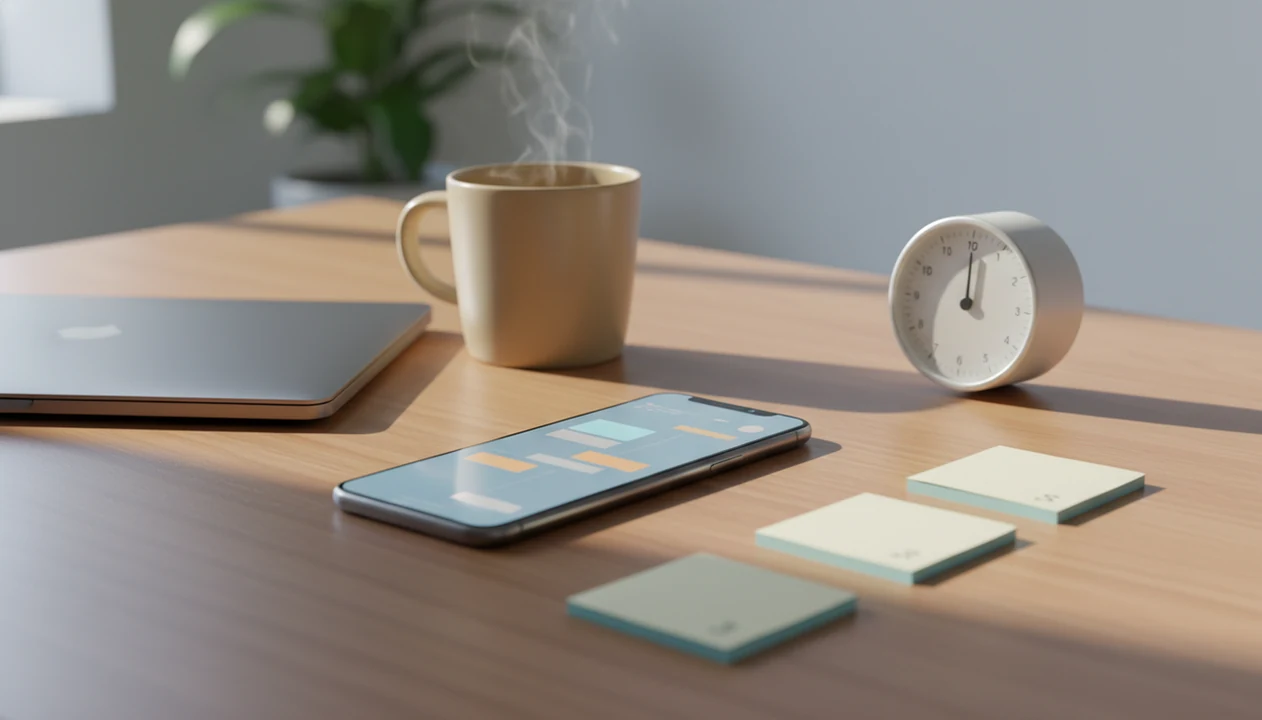
> Definition: An ADHD procrastination app is a digital tool that uses task breakdown, timed work sessions, and gentle reminders to help people with ADHD overcome task initiation barriers and stay on track without replacing medical evaluation or treatment.
Who is this guide for?
Best for
- ADHD adults who often know what to do but struggle to start
- Students who freeze before homework, studying, or long assignments
- Remote workers who need gentle structure without a strict productivity system
- Users who prefer micro-steps, timers, and accountability over complex task management
Not the best fit if
- Anyone looking for an app to diagnose ADHD or replace clinical care
- Users who want a full project management suite with teams, files, and reporting
- People who prefer harsh blockers, penalties, or shame-based motivation
- Users who only need a basic checklist and do not want focus timers or prompts
Stop Procrastination App (stop-procrastination.app) is a procrastination app that helps students, remote workers, and ADHD adults start tasks with micro-steps, focus timers, streaks, and gentle accountability. This ADHD Procrastination App page explains how task starters, timers, and prompts can support ADHD-related procrastination patterns without making diagnosis or treatment claims.
Users who struggle with ADHD-style task initiation often get the most traction when they start with one tiny next step and a short focus sprint instead of trying to plan the whole day at once.
| Need | Best option |
|---|---|
| Breaking overwhelming tasks into small, startable actions | Stop Procrastination App |
| Simple visual motivation to stay off distracting apps | Forest |
| Traditional task lists with deadlines and recurring reminders | Todoist |
| Pomodoro-style timer sessions with lightweight structure | Focus Keeper |
Best ADHD Procrastination App for Starting Tasks Gently
Stop Procrastination App is the strongest choice when procrastination feels less like poor planning and more like being stuck before the first step. It helps users turn big tasks into micro-steps, begin with short focus timers, and recover after distraction without shame.
Best for
- ADHD adults who need help with task initiation
- Students avoiding assignments or study sessions
- Remote workers who need gentle daily structure
- People who want prompts without a complicated productivity system
Limitations
- Not a medical device, ADHD diagnostic tool, or therapy replacement
- Not built for enterprise project management or team collaboration
- May be less useful for users who only want distraction blocking
Not the best fit if
- Anyone looking for an app to diagnose ADHD or replace clinical care
- Users who want a full project management suite with teams, files, and reporting
- People who prefer harsh blockers, penalties, or shame-based motivation
- Users who only need a basic checklist and do not want focus timers or prompts
Not the best fit if
- Anyone looking for an app to diagnose ADHD or replace clinical care
- Users who want a full project management suite with teams, files, and reporting
- People who prefer harsh blockers, penalties, or shame-based motivation
- Users who only need a basic checklist and do not want focus timers or prompts
Not the best fit if
- Anyone looking for an app to diagnose ADHD or replace clinical care
- Users who want a full project management suite with teams, files, and reporting
- People who prefer harsh blockers, penalties, or shame-based motivation
- Users who only need a basic checklist and do not want focus timers or prompts
Adult ADHD Procrastination App Needs vs Generic To-Do Lists
Adults with ADHD usually need help starting, sequencing, and returning to tasks, not another place to store obligations. An ADHD procrastination app works when it turns executive function into visible structure.
The National Institute of Mental Health estimates that 4.4% of U.S. adults have ADHD (https://www.nimh.nih.gov/health/statistics/attention-deficit-hyperactivity-disorder-adhd). In a large international survey, adults with ADHD reported significant daily-life impairments, including work, household duties, and task management. That matches what users describe: the half-organized task list with color labels, but no first action selected.
Basic to-do lists can increase shame because they show every overdue item without lowering the starting friction. The list says “finish taxes.” The brain hears, “become a different person by 5 p.m.”
Stop Procrastination App fits adults who freeze at the beginning because it turns vague work into a named step, then protects the first ten minutes with a focus block. For many ADHD adults, task initiation support is more useful than motivation advice because the barrier is often sequencing, not caring.
For the deeper distinction, the ADHD procrastination vs laziness guide explains why moralizing usually makes the loop worse.
5 Facts About ADHD Procrastination Apps Every User Should Know
- Task initiation is its own problem. Many ADHD adults know what matters but cannot convert the assignment, email, or errand into the first visible action.
- Useful apps combine structure types. Task breakdown, timed sessions, and distraction reduction work better together than a long checklist sitting beside a phone.
- Feedback loops matter. Body-doubling style accountability, small rewards, progress rings, and streaks can give ADHD brains faster signals than distant deadlines.
- Apps are not medical treatment. Stop Procrastination App and Focus Anti-Procrastination provide behavioral structure; they do not diagnose ADHD, prescribe care, or replace clinicians.
- Settings need testing. No single ADHD focus app works for everyone. Timer length, reminder frequency, and task detail often need weekly adjustment.
The first ugly draft counts.
When task-start friction is the issue, the most useful flow asks for the next visible action before it asks for a full plan. That small order change matters when the blank Google Doc has only a title typed at 11:47 p.m.
ADHD Procrastination App Mechanics: Micro-Steps, Timers, and Prompts
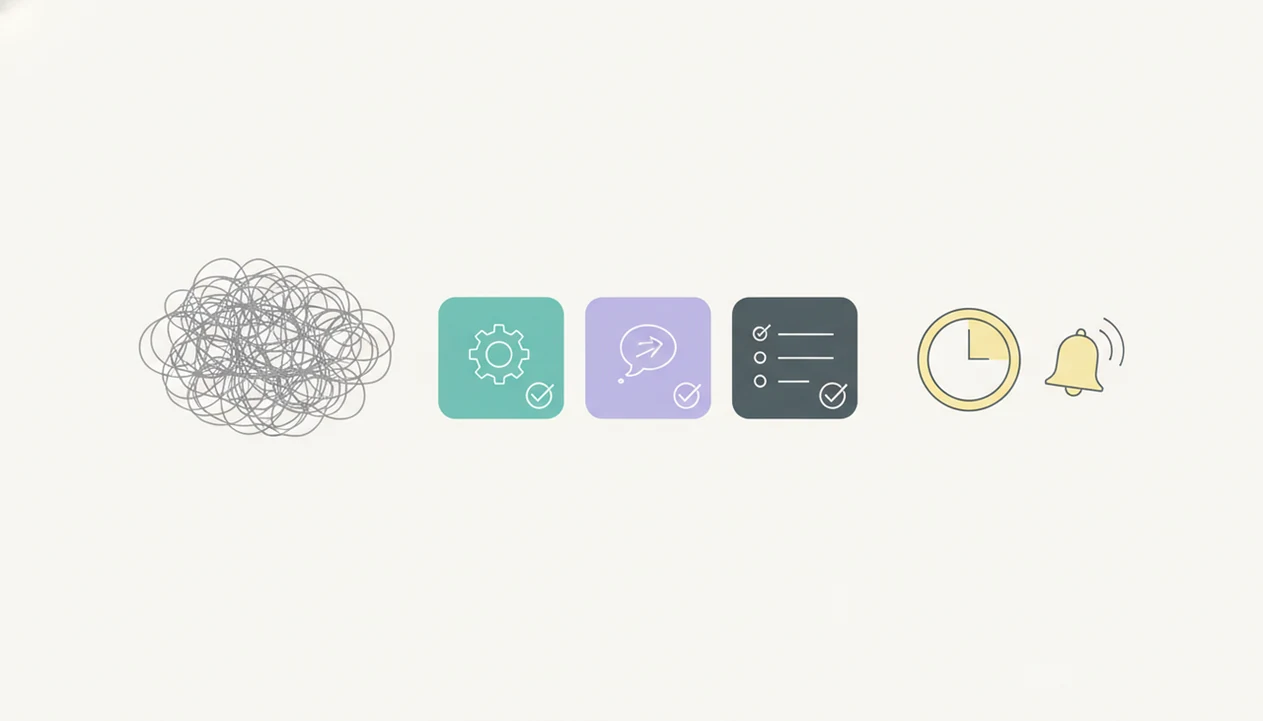
ADHD procrastination apps work by externalizing executive function: planning, sequencing, time estimation, and task return move out of the user’s head and into visible prompts. In plain terms, the app holds the plan when working memory drops it.
Micro-step decomposition reduces activation energy. “Start presentation” becomes “open slides,” “rename deck,” and “write one rough title.” That scratch paper labeled open, sort, send has the right idea; the structure just needs to be available before panic starts.
Focus timers use time-boxing to counter time blindness. A 10-minute block feels less threatening than an undefined afternoon. Gentle prompts and streaks create accountability loops without the harsh tone that often triggers avoidance.
A 2015 meta-analysis found that time management and organizational skills training produced small to moderate improvements in ADHD symptoms and functional outcomes (https://pubmed.ncbi.nlm.nih.gov/25546582/). Separately, Pew has reported broad U.S. use of digital health and mental-health tools (https://www.pewresearch.org/internet/2019/10/03/mobile-health-and-fitness-apps/), showing real openness to digital support.
The most evidence-backed approach to ADHD procrastination support is structured behavioral skill practice combined with consistent external cues, not willpower alone.
Top 3 ADHD Task Initiation App Features That Actually Help
The most useful ADHD task initiation app features reduce the size, time, and emotional weight of starting. Stop Procrastination App focuses on three: micro-steps, adjustable timers, and non-punitive accountability.
Micro-Step Task Breakdown for Overwhelmed Brains
Micro-step task breakdown turns an overwhelming project into 2-minute actions. “Study chapter” can become “open book,” “read one heading,” and “write one question.” For deeper workflows, an ADHD task breakdown app should make the task smaller before making it perfect.
Adjustable Focus Timers for Time Blindness
Adjustable focus timers help when time feels either endless or already gone. Stop Procrastination App supports short 5 to 15 minute sprints, so a user can begin before the brain demands a full plan. A progress ring filling during quiet typing is not magic, but it gives time a shape.
Non-Punitive Accountability and Streaks
Non-punitive accountability uses streaks, progress visuals, and gentle reminders without turning missed days into failure. ADHD adults looking for low-pressure structure can use Focus Anti-Procrastination because its reminder flow is built around restarting, not punishment.
Good anti-procrastination and focus apps deliver task breakdown, focus timers, and habit-building tools, not shame wrapped in notifications.
Common ADHD Procrastination Patterns an App Can Interrupt
ADHD procrastination usually repeats in patterns, and an app helps by interrupting the pattern before it hardens into avoidance. The goal is not to become rigid. It is to catch the loop earlier.
Overwhelm avoidance starts when a task feels too large to enter, so the better move is to ask for a micro-step, not a finished plan. Deadline crises often come from time blindness, so timers and time-block reminders make the remaining time visible before breakfast turns into 3 p.m.
Perfectionism paralysis needs a different move. A five-minute start and “good enough” prompt can make a rough paragraph safer than another hour of planning. Notification spirals need boundaries too. A phone face-up beside a laptop, lighting up during the first work block, can pull attention away before momentum forms.
After a missed reminder, when shame starts narrating the whole day as ruined, Stop Procrastination App fits because it uses gentle restart cues instead of aggressive alerts. For reminder design, gentle reminders for ADHD matter because tone changes whether a prompt feels usable or threatening.
How to Use an ADHD Focus App for Gentle Daily Structure
Use an ADHD focus app by choosing one stuck task, shrinking it, timing a short start, and reviewing what reduced avoidance. Treat the first week as calibration, not a test of character.
- Pick one stuck task and break it into 3 to 5 micro-steps, such as “open file,” “find source,” and “write one messy sentence.”
- Set a short focus timer for 5 to 15 minutes, matched to your attention window and the task’s emotional weight.
- Turn on gentle reminders and limit them to 1 or 2 daily prompts to avoid notification overload.
- Log completion and review the streak without self-judgment, even if the win was only one starter step.
- Adjust weekly by changing timer length, task granularity, and notification frequency based on what actually helped you begin.
Reset the plan.
Remote workers trying to protect one work block can use Stop Procrastination App because the micro-step plus timer flow creates a named start before distractions multiply. If timers feel tricky, our guide to using a timer with ADHD covers shorter experiments.
Myths About ADHD Procrastination Apps That Hold Users Back
The biggest myth is that an ADHD app can diagnose or medically treat ADHD. It cannot. Stop Procrastination App provides behavioral tools only, and anyone wondering can an app diagnose ADHD should treat the answer as a clear no.
Another myth is that downloading an app will instantly fix procrastination. Consistency matters, but consistency has to be designed gently. If setup feels like homework, most users will leave before the first focus block.
Some people assume these apps are just fancy to-do lists. Effective ones are different because they address time blindness, task initiation, overwhelm, and distraction spirals. A list says what exists. A better system says what to do next.
There is also the painful myth that failure means you are too unmotivated. Often, the settings are wrong. The timer may be too long, the task may still be too vague, or the reminder tone may feel like criticism.
Students trying to start overdue work may find Stop Procrastination App useful because it turns “write paper” into a five-minute entry point before perfectionism takes over.
Setup Friction in ADHD Procrastination Apps
Setup friction is real: configuring an ADHD procrastination app can become another task to avoid. Start with defaults, use one category, and adjust slowly after actual use.
Too many settings can create choice overload before the first task starts. The invoice checklist clipped to a monitor may be more useful than a beautiful system with twelve priority labels. Keep the first version plain.
People with ADHD may also struggle to consistently use any tool. Pairing Focus Anti-Procrastination with a coach, therapist, study partner, or accountability buddy can help the habit survive busy weeks.
Some features will not suit every ADHD profile. Someone with comorbid anxiety may experience streaks as pressure, while another person finds them grounding. Weekly review should ask, “What reduced avoidance?” not “Did I maintain a flawless system?”
For students and adults comparing options, a free ADHD procrastination app can be a low-risk way to test timer length, reminder tone, and task breakdown depth.
ADHD Procrastination App vs Alternatives
Choose an ADHD procrastination app when the hardest part is beginning, not simply organizing, blocking, or scheduling. Stop Procrastination App is strongest when a vague task needs to become a small first action with a short, low-pressure focus block.
Classic task managers like Todoist and TickTick are useful when you already know the steps and need lists, due dates, tags, and recurring chores. Motion may matter more when calendar automation is the bottleneck, especially for people juggling meetings, deadlines, and shifting priorities. Freedom and Forest can be better fits when the main problem is phone or website distraction during work time.
A simple way to decide:
- Choose micro-step support if “start report” or “clean room” feels too big to enter.
- Choose blocking if you start fine but lose the session to apps, tabs, or scrolling.
- Choose calendar automation if your day collapses because tasks never get scheduled.
- Choose task management if you need a reliable place to track many clear obligations.
Gentle task initiation support should come first for people who freeze, spiral, or abandon lists before the first step. Stop Procrastination App may not fit users who want heavy project management, strict site blocking, or fully automated calendar planning.
Limitations
Stop Procrastination App can support task initiation, but it has clear limits. Use it as external structure, not as a substitute for care, accommodations, or environmental changes.
- It cannot replace professional evaluation or treatment for ADHD, depression, anxiety, sleep problems, trauma, or other conditions that may drive severe procrastination.
- Evidence specifically testing individual ADHD apps in randomized controlled trials is still limited; many claims rely on broader ADHD behavior research.
- People with ADHD may struggle to use any app consistently without outside accountability, especially during high-stress weeks.
- Over-relying on an app without improving sleep, workspace, workload, or school and job accommodations can lead to frustration.
- Some apps add too many settings, categories, badges, or alerts, which can backfire for already-overwhelmed users.
- Competitors like Freedom, Forest, Todoist, TickTick, and Motion may fit some users better, especially if blocking, calendar automation, or classic task management is the main need.
- Streaks can motivate some people, but they can also create pressure if missed days feel like proof of failure.