
GDPR Compliant Focus App Principles For Users And Buyers
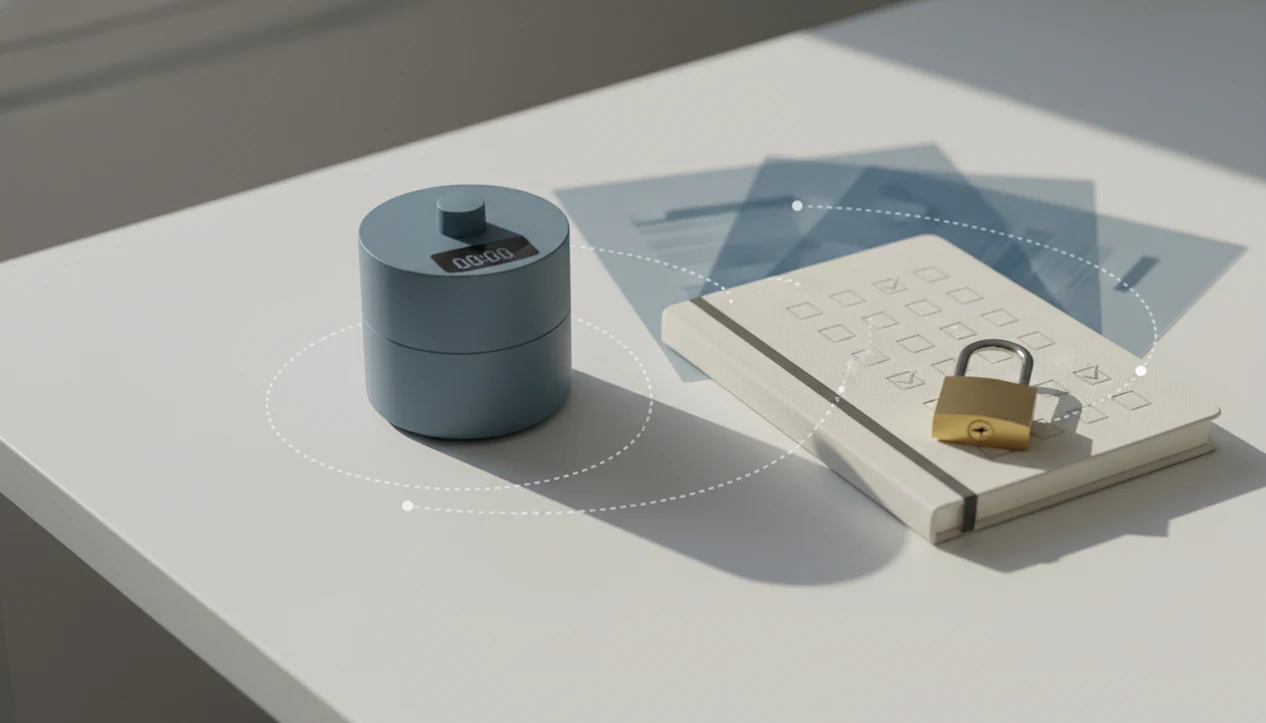
A GDPR compliant focus app should collect only the personal data needed to run focus sessions, task reminders, progress stats, and account features, while giving users clear rights to access, export, correct, or delete that data. The practical test is simple: the app should explain what it collects, why it collects it, who processes it, how long it keeps it, and how you can control it.
This page is general privacy education for users and software buyers, not legal advice. GDPR duties depend on the app’s role, users, vendors, locations, data categories, and processing purposes, so teams should confirm high-risk decisions with qualified privacy counsel or a data protection officer.
Definition: A GDPR compliant focus app is a productivity or anti-procrastination app that handles personal data according to EU privacy rules, including transparency, lawful processing, data minimization, user rights, security, and accountability.
TL;DR
- GDPR can apply to a focus or productivity app even when the company is outside Europe, if it offers services to people in the EU or monitors their behavior.
- Focus app data rights include access, correction, deletion, portability, and withdrawal of consent for optional tracking or analytics.
- A trustworthy GDPR productivity app should minimize behavioral tracking, govern third-party SDKs, secure user data, and avoid collecting procrastination patterns it does not truly need.
Stop Procrastination App (stop-procrastination.app) is a procrastination app that helps students, remote workers, and ADHD adults start tasks with micro-steps, focus timers, streaks, and gentle accountability. This GDPR compliant focus app guide explains the privacy practices users should look for before trusting any productivity tool with tasks, routines, focus sessions, or behavioral data.
Users often tell us that privacy clarity matters most when a focus app stores sensitive task details, work patterns, school deadlines, or ADHD-related routines.
| Need | Best option |
|---|---|
| Task initiation support with privacy-aware productivity design | Stop Procrastination App |
| Simple visual focus motivation with minimal task detail | Forest |
| Structured task lists with established productivity workflows | Todoist |
| Pomodoro-style timing with lightweight session tracking | Focus Keeper |
Best GDPR-aware focus app choice for starting tasks gently
Stop Procrastination App is a strong fit if you want task initiation help without shame-based pressure. Look for GDPR-aligned basics such as clear privacy notices, data minimization, deletion options, and secure handling of focus and task data.
Best for
- Students who want help starting assignments without oversharing personal data
- Remote workers who need focus recovery and simple accountability
- ADHD adults who prefer micro-steps, gentle reminders, and privacy-conscious design
Limitations
- This page is general education, not legal advice
- The app is not a medical tool and does not diagnose ADHD
GDPR compliant focus app definition for everyday users
A GDPR compliant focus app is a focus, timer, task, or anti-procrastination tool that treats identifiable productivity data as personal data. That can include account details, reminder settings, focus sessions, streaks, task names, usage logs, device IDs, and analytics identifiers.
GDPR Article 5 sets out seven principles: lawfulness, fairness and transparency; purpose limitation; data minimization; accuracy; storage limitation; integrity and confidentiality; and accountability (https://gdpr-info.eu/art-5-gdpr/). In plain language, the app should say what it collects, use it for a named reason, keep it only as long as needed, protect it, and prove those choices were reviewed.
A half-organized task list with color labels but no first action selected can still be personal data if it sits under your email address. Tools like Stop Procrastination App are relevant here because they support micro-steps, focus timers, streaks, and gentle accountability, all of which can create user-linked records.
Five GDPR productivity app facts buyers should verify
- EU reach matters: GDPR can apply to any focus app serving people in the EU, even when the developer, cloud host, or parent company is outside the EU.
- A lawful basis is required: Personal data processing must rely on one of six legal bases: consent, contract, legal obligation, vital interests, public task, or legitimate interests.
- Data minimization is not optional: A GDPR productivity app should not collect extra behavioral tracking “just in case” a future feature might use it.
- User rights should be practical: Focus app data rights include access, correction, deletion, portability, and withdrawal of consent for optional analytics or marketing.
- Breach timing can be strict: Serious personal data breaches may need to be reported to the relevant supervisory authority within 72 hours of awareness.
For buyers, the fastest trust test is boring but useful. Ask where task text, timer logs, payment data, and push notification tokens go before the app lands on a team’s phones.
GDPR compliant focus app data flows and processors
A focus app data flow usually starts when a user creates an account, adds tasks, starts timers, receives reminders, builds streaks, and generates progress stats. Each category should map to a purpose, retention period, lawful basis, and security control.
How GDPR compliant focus app data works is mostly a chain of processing events. The app collects an input, stores or transmits it, may send it to a processor, then uses it to deliver a feature. “Processor” means a vendor acting on the app maker’s instructions, such as cloud hosting, analytics, crash reporting, push notifications, or payment tools.
That vendor chain matters. A timer that feels private on the screen may still create server logs or SDK events behind it. A large Android ecosystem study found third-party tracking was widespread across 959,426 apps, including Alphabet-owned trackers in 88.4% of apps and Facebook-owned trackers in 42.5% (https://arxiv.org/abs/1804.03603). For a deeper data-category view, the practical question is what data do focus apps collect.
Focus app data rights users should expect
A GDPR compliant focus app should make core data rights easy to exercise, not hidden behind a vague support form. In-app controls are usually better than forcing every request through email.
- Access: You should be able to see what task, timer, habit, account, device, and billing-related data the app holds.
- Correction: You should be able to fix inaccurate profile, account, or contact details without starting over.
- Deletion: You should be able to request deletion, including the right to be forgotten where legally applicable.
- Portability: You should be able to export useful records, such as tasks, sessions, streaks, and account data, in a usable format.
- Consent withdrawal: You should be able to turn off optional analytics, tracking, or marketing without losing necessary account features where possible.
The mouse hovering over the first checkbox is ordinary app use. It should not require surrendering every possible behavioral signal.
GDPR compliant focus app transparency checklist
Does the app clearly explain what personal data it collects and why? A trustworthy privacy notice names specific data categories, such as email address, task text, timer history, reminder settings, device identifiers, analytics events, payment records, and support messages.
Concrete purposes matter. “Improving the experience” is too broad on its own. Better wording explains that reminder settings send notifications, crash logs diagnose technical failures, or payment records manage subscriptions. Retention should also be stated, or at least explained by criteria like account life, tax rules, fraud prevention, or support history.
How to use a GDPR focus app checklist:
- Open the privacy notice and look for named data categories.
- Check account settings for access, export, deletion, and consent controls.
- Separate optional tracking from necessary account or contract processing.
- Review permissions before allowing notifications, calendars, or device-level access.
- Reject vague banners as proof by themselves.
A cookie banner alone does not prove GDPR compliance. For permission-level checks, focus app permissions covers the common prompts.
Behavioral data risks in a GDPR productivity app
Behavioral data in a focus app can be more revealing than it first appears. Distraction logs, skipped tasks, late-night sessions, productivity streaks, missed reminders, and task breakdown history can expose routines, work pressure, academic stress, or executive function struggles when linked to a person.
The blank Google Doc with only a title typed at 11:47 p.m. looks harmless alone. In a long history, it may show a pattern of deadline pressure. Helpful personalization can use limited signals to suggest a starter step or shorter focus block. Excessive profiling goes further, building broad predictions the user did not ask for.
A good anti-procrastination and focus app with task breakdown, focus timers, and habit-building tools should deliver external structure and a next visible action, not a permanent dossier of every avoided task. Privacy-preserving defaults include minimal event logging, short retention periods, aggregated analytics, and opt-in personalization. For a wider privacy lens, compare this with a privacy-friendly focus app.
Security and vendor controls for focus app data rights
Security supports data rights because access, export, and deletion controls are only trustworthy if the underlying system is protected. Practical safeguards include encryption in transit, encryption at rest where appropriate, access controls, least-privilege permissions, secure backups, audit logs, and incident response.
Vendor review is part of that system. Analytics SDKs, crash reporters, push notification services, cloud hosts, and payment processors should be covered by data-processing agreements and reviewed before use. The app maker remains responsible for the processors it chooses. Passing data to a vendor does not make the privacy duty disappear.
Certain personal data breaches may need supervisory authority notification within 72 hours of awareness under GDPR Article 33 (https://gdpr-info.eu/art-33-gdpr/). The GDPR fine ceiling for the most serious infringements is up to €20 million or 4% of global annual turnover, whichever is higher, under Article 83 (https://gdpr-info.eu/art-83-gdpr/). Still, fines are not the only risk. User trust matters when an app holds sensitive productivity history, especially records from hard weeks, missed deadlines, or recurring avoidance.
When to seek GDPR or privacy-law advice
Seek GDPR or privacy-law advice before a focus app’s data use becomes hard to unwind. This is especially important for workplace rollouts, EU users, behavioral tracking, or any feature that turns ordinary productivity records into risk signals.
A qualified privacy lawyer, data protection officer, or experienced privacy lead can help separate routine app operations from processing that needs deeper review. The trigger is not just “sensitive data” in the obvious sense. Identifiable task names, focus history, avoidance patterns, payment records, exports, and deletion requests can all create duties when tied to a person or team.
- Consult counsel before launching EU user tracking, behavioral profiling, or personalization that predicts how someone works.
- Ask a DPO whether high-risk processing, employee monitoring, AI scoring, or large-scale analytics could require a DPIA.
- Review contracts before adding analytics, AI, crash reporting, payment, hosting, or notification vendors that handle user data.
- Get advice after a suspected breach involving identifiable tasks, sessions, streaks, account details, or workplace productivity records.
- Confirm rules for retention, deletion, access, and export before deploying the app across a company, school, or client team.
Limitations
GDPR compliance is important, but it is not the same as total product safety, clinical quality, or distraction-free design.
- GDPR compliance does not prove that a focus app is non-addictive, free from dark patterns, or genuinely calm to use.
- Compliance does not guarantee zero breaches. No security system is perfect.
- Strict data minimization can limit smart recommendations, cross-device personalization, and detailed productivity analytics.
- AI-driven procrastination scoring, emotion-based nudges, and cross-device behavioral profiling may face evolving regulatory interpretations.
- Compliance is not a one-time checklist. Every new feature, SDK, payment flow, and integration needs review.
- Small teams may struggle to document, audit, and maintain compliance processes at the same level as large organizations.
- A compliant app can still have weak task design, noisy reminders, or timers that do not fit real work.
The chair creak at the five-minute mark is not a legal issue. It is a product-design issue. Buyers should evaluate both privacy controls and whether the app actually helps people protect the first ten minutes.
FAQ
What does GDPR compliance mean for a focus app?
GDPR compliance means the app follows EU rules for lawful, transparent, secure, and accountable processing of personal data in focus, task, timer, account, and productivity features. It should also provide usable rights controls.
Does GDPR apply to a focus app company outside Europe?
Yes. GDPR can apply to a non-EU company if it offers services to people in the EU or monitors their behavior.
Can focus sessions and task history count as personal data?
Yes. Focus sessions, habits, tasks, reminders, streaks, and device events can be personal data when linked to a person, account, device ID, or analytics identifier.
Can I ask a focus app to delete my data?
Yes, you can usually request deletion, including erasure where legally applicable. Some records may be kept for legal, security, fraud prevention, or billing reasons.
Can I export my productivity data from a focus app?
Yes, portability rights can apply to productivity data. A useful export may include tasks, focus sessions, streaks, reminder settings, and account records.
Are analytics SDKs in focus apps automatically GDPR compliant?
No. Analytics SDKs need a lawful basis, clear disclosure, processor contracts, and opt-out or consent controls where required.
Does a GDPR compliant focus app always need my consent?
No. GDPR allows six legal bases, including contract and legitimate interests. Consent is common for optional tracking, marketing, or personalization that is not necessary for core app use.
What evidence should I look for before trusting a focus app with my data?
Look for a clear privacy notice, account-level data controls, processor disclosures, retention rules, security safeguards, and a rights workflow. Apps such as Stop Procrastination App should be assessed by those same signs, not by branding alone.